Words & hints
Look up a word
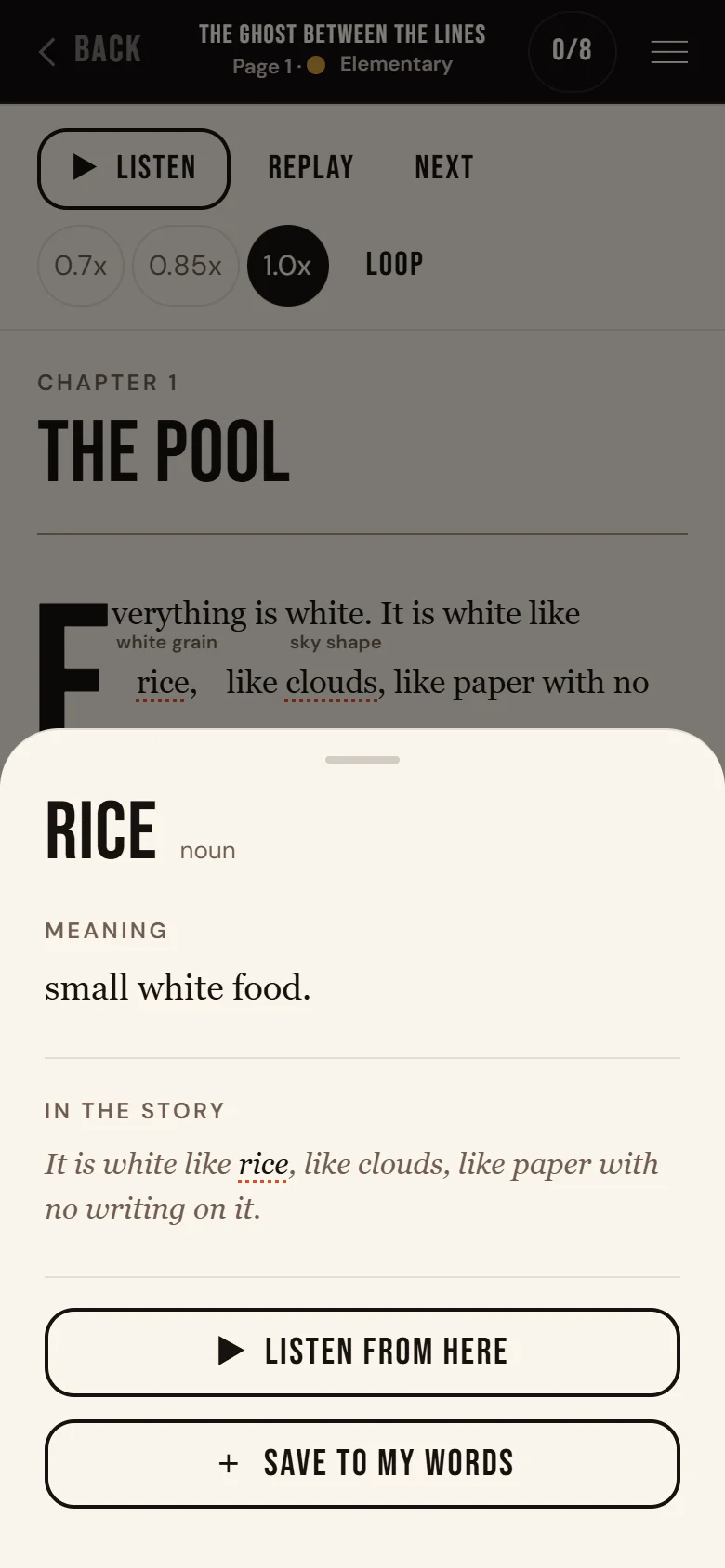
Tap any word in the story. Its meaning opens at the bottom of the screen.
How it works
- Tap once. Tap the word. A card opens.
- Read the card. You see the meaning and the line from the story.
- Save it. Tap + Save to my words. It changes to ✓ Saved.
Good to know
- Nothing saves by itself. You choose which words to keep.
- Find your saved words in the menu: Your words.
- Small English hints above hard words help too. Turn them off in the menu: Reading, then Hints.
- On a page that is read aloud, ▶ Listen from here plays the page from that word.