Listening
I can’t hear the story
Check your phone first, then the story.
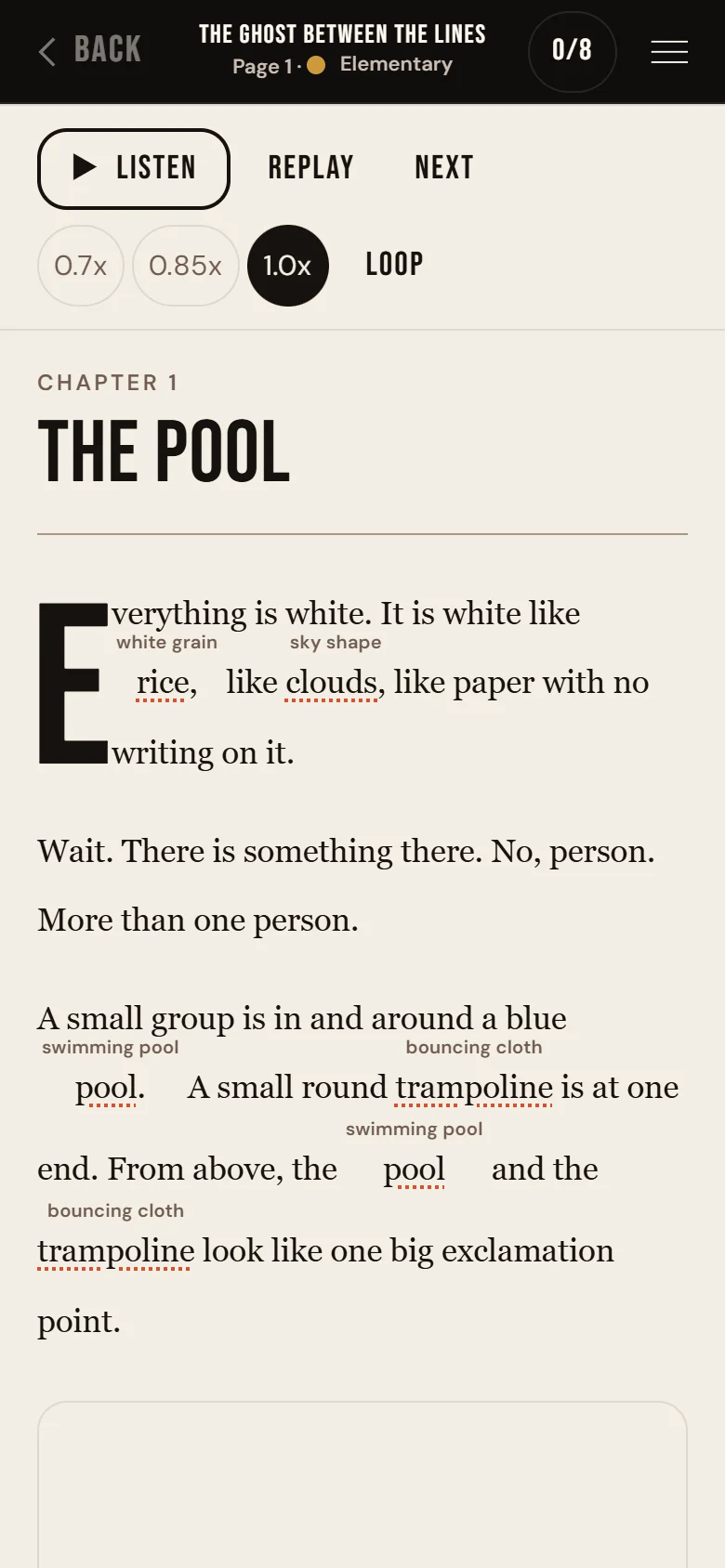
Try these
- Turn up the volume. Check that your phone is not on silent.
- Tap ▶ Listen at the top of the page. It changes to Stop while it plays.
- No Listen button? That page is not read aloud.
- Still nothing? Close other apps that play sound, then open the story again.
Good to know
The voice and the sounds are different
Menu, then Reading, then Sounds turns the page sounds on or off. It does not turn off the voice that reads to you.