Reading & pages
The words are too small
Make the text bigger in the menu. It changes every page in the story.
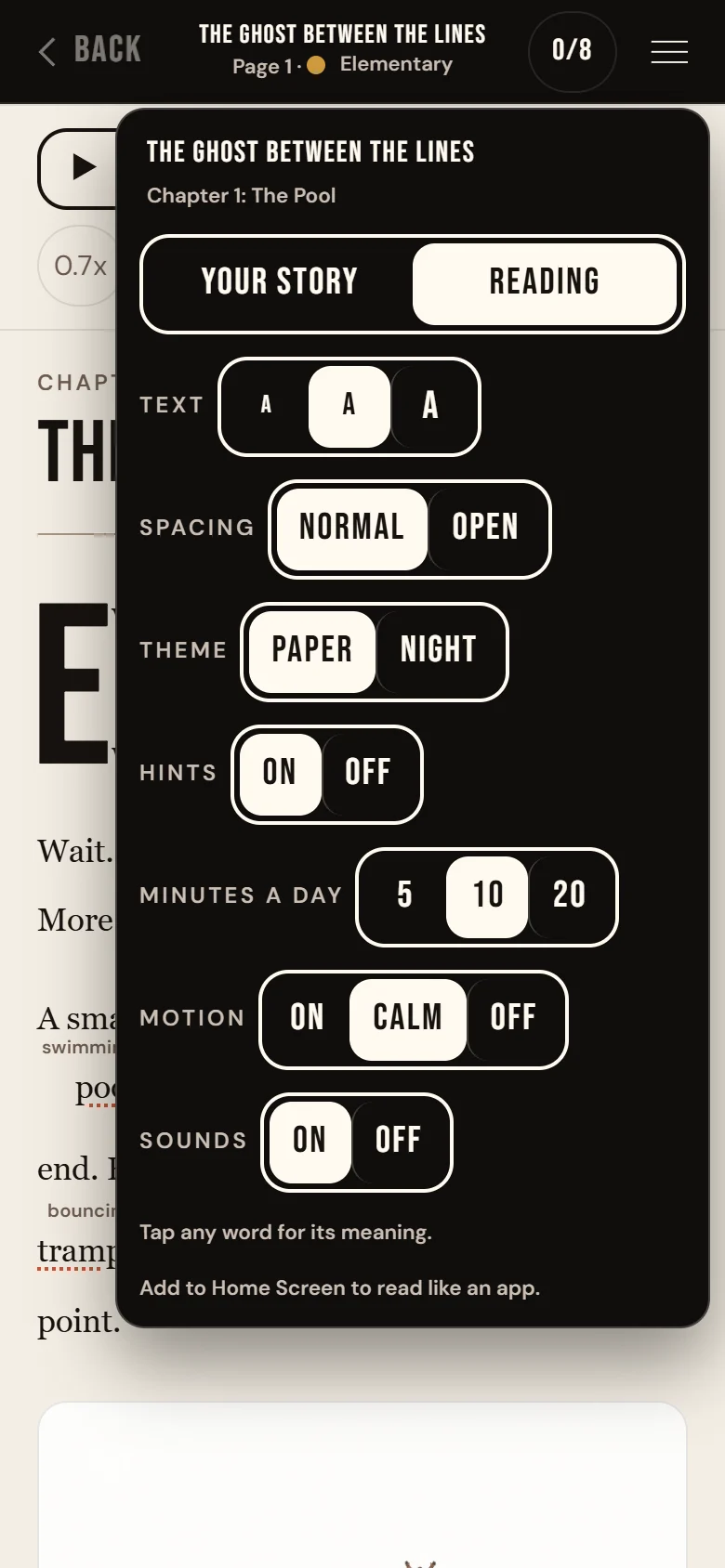
Make it bigger
- Tap the menu at the top of any story page.
- Open the Reading tab.
- Next to Text, tap the biggest A.
- Want more space between the lines? Next to Spacing, tap Open.
Reading at night?
Try the Night theme
Menu, then Reading, then Theme: tap Night. The page turns dark, so it is easier on your eyes in bed.